Humidity is an important aspect of any DTG usage. All DTG machines don’t like dry conditions and for a good reason. Dry indoor conditions make the ink more prone to clogging. If you are in a dry area with low humidity or if you plan to place the machine in a room with very dry heat in the winter, consider using an indoor humidifier. The ideal conditions are: 45% to 80% relative humidity, dust free, with no airflow over printer.
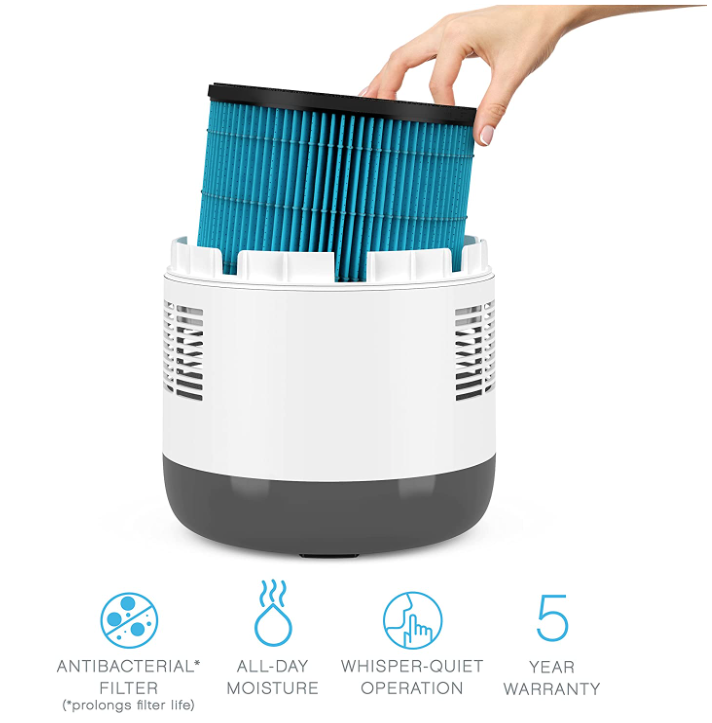
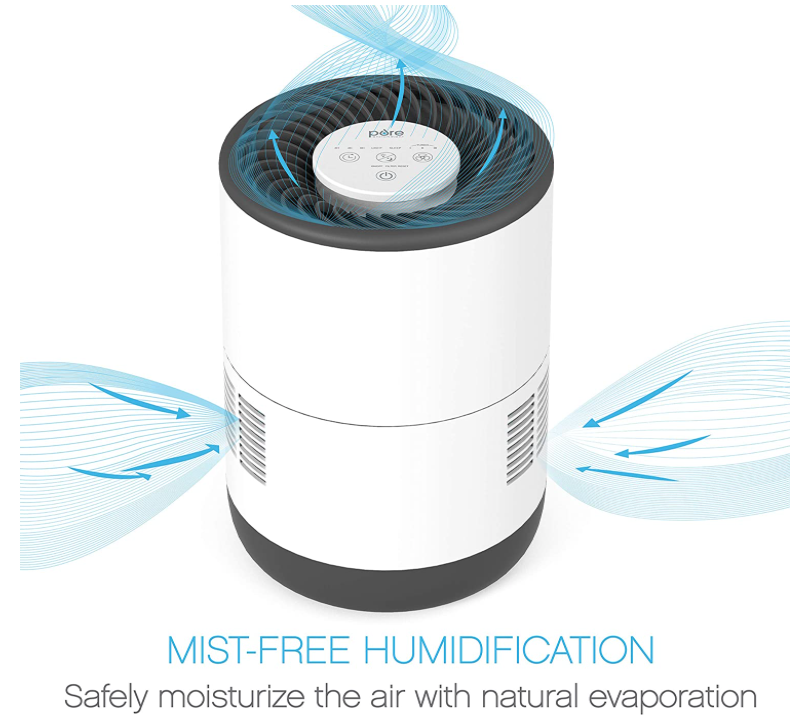
We recommend the Pure Enrichment® MistAire™ Eva - Mist-Free Evaporative Humidifier (2.8L) from Amazon if you are interested in purchasing a quality humidifier for the room your DTG printer will be operating in. This is a specific model we have found does very well.
General Humidity Requirements
Please establish these requirements in your print area before setting up your printer and filling it with ink.
Temperature (printer):
- Operation (with inks loaded): 61°F to 90°F (15°C to 32°C)
- Storage (without ink): 14°F to 104°F (-10°C to 40°F) Temperature (storing inks): 41°F to 90°F (5°C to 32°C)
Humidity (printer):
- Operation (with inks loaded): 45% to 80% RH, non-condensing.
- Storage (without ink): 20% to 85% RH, non-condensing.
It is crucial for trouble-free printer operation that the Relative Humidity (RH) requirement is met at all times when the printer is loaded with ink. If the environment is below the specified Relative Humidity the ink will dry more quickly at the Print Head causing nozzles to become clogged. Keep an electronic hygrometer (humidity gauge) near the printer at all times to ensure that the relative humidity is maintained.
Electronic hygrometers are available in electronics stores, department stores or hardware stores, but be sure that they are of high quality and be sure to have them calibrated regularly. If relative humidity falls below 45% at any time, it will be necessary to use a high-powered non-misting humidifier to increase the humidity in the immediate area of the printer. Also, keep in mind that it will be much easier to control the environment in a small area rather than a large one.
See additional information
If you are having difficulty setting the ideal humidity conditions, please don’t hesitate to reach out to us for further assistance via email at service@ricoma.com or by visiting our support page at www.ricoma.com/US/support.