-
If the colors are not matching, make sure you are using a CMYK exported file, like a TIFF, PDF or the original vector file.You should not use PNG because they are RGB (red, green and blue) files. They do not accurately match the color on the screen when printed.
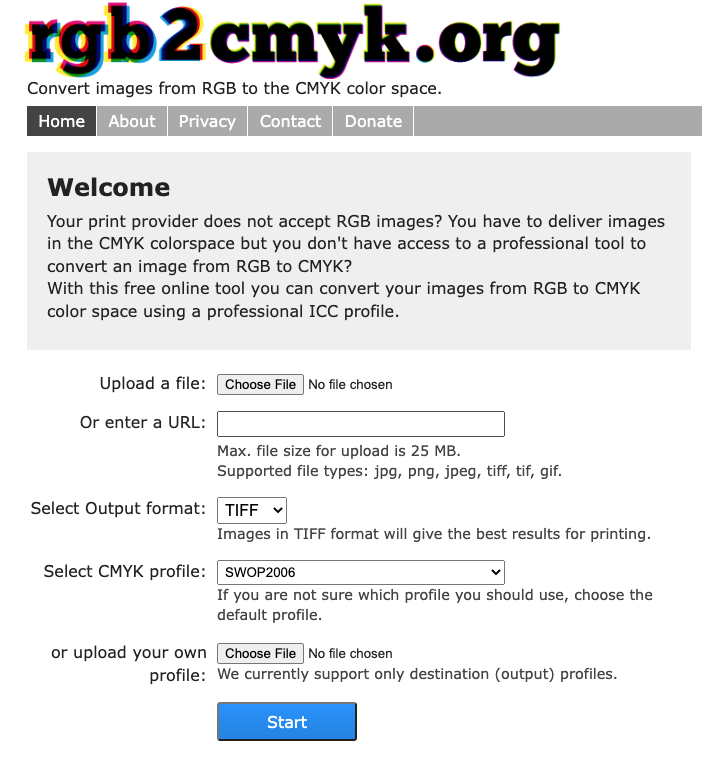
You can use https://www.rgb2cmyk.org/ to convert your RGB files to CMYK files.
Understanding RBG and CMYK Colors
What is RBG?
Red, green and blue (RBG) are the main colors of the color spectrum. By changing and varying the amount of red, green and blue light, you can produce all available colors on the spectrum.
Digital devices use RGB because they produce lighter, brighter colors that are more visible when contrasted against the darkness of a screen.
What is CMYK?
Color printers combine cyan, magenta, yellow and black (CMYK) to produce images.This is because CMYK cover more color ranges when printed.
Need Additional Assistance?
If you are still seeing that the colors on your screen and do not match the printed image, our help doesn’t stop here...
Please don’t hesitate to reach out to us for further assistance via email at service@ricoma.com or by visiting our support page at www.ricoma.com/US/support.